User Account
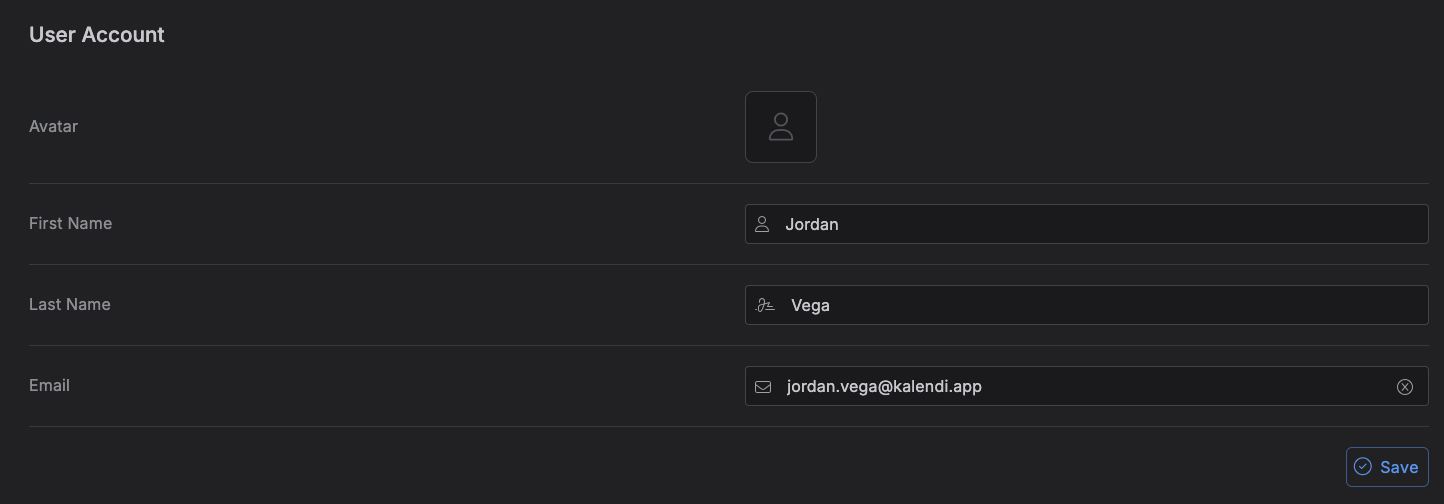
The User Account tab is where you manage your profile -- your name, avatar, and (if you signed up with a password) your email.
Accessing the User Account tab
Go to Settings → User Account. It's the first tab.
What you can edit
| Field | Notes |
|---|---|
| Avatar | Upload an image. Not shown if you signed in through Google (or another provider) -- your avatar is managed by that provider instead. |
| First Name / Last Name | Always editable. |
| Only shown if your account uses a password to sign in. Changing it takes effect immediately -- there's no confirmation email to click. |
Changes are staged as you edit; click Save once to apply everything you've changed at once. A Reset control lets you discard unsaved edits before saving.
Note
Uploaded avatars are converted and resized to 256×256 automatically -- you don't need to crop or resize an image yourself before uploading.