Inspiration
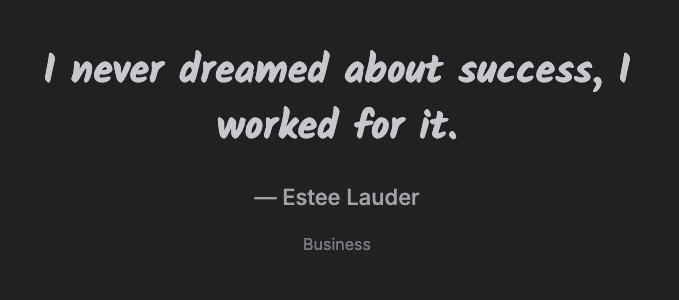
Inspiration is a page that shows you a quote -- something to read for a moment of motivation outside your calendar and tasks.
Accessing Inspiration
Click Inspiration in the left toolbar (shortcut: Y).
Using it
The page shows one quote at a time -- its text, its author, and, if you've limited quotes to a specific category, that category. Two arrows below the quote let you navigate:
- The left arrow goes back to the previous quote you've already seen.
- The right arrow shows a new random quote.
There's no favoriting, sharing, or submitting your own quotes -- it's just a quote and two navigation arrows.
Choosing what you see
Which quotes show up is controlled by the Inspiration setting under Settings → User Account Settings: Business, Software Development, or All. Setting it to None turns quotes off entirely -- the Inspiration button disappears from the left toolbar, and the page itself just shows a message that quotes are turned off.