Operations
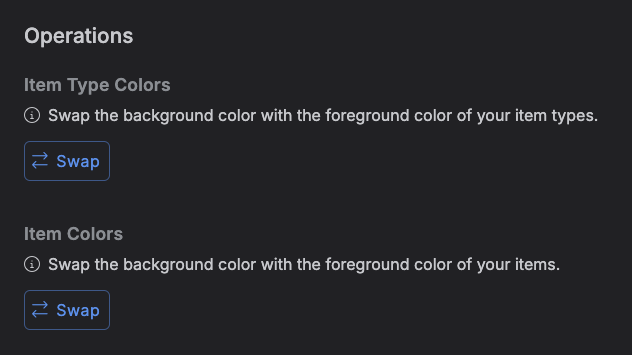
The Operations tab is a small toolbox of one-click, account-wide operations. Right now it holds a single kind of operation: swapping an item's foreground (text) color with its background color, either for all your item types or for all your calendar/kanban items.
This is useful if colors ever end up inverted -- for example after importing data, or after picking colors that made text hard to read against their background -- without having to edit every item type or item by hand. It's also a great shortcut if you switch your theme between light and dark and want your items' colors to flip along with it.
Accessing the Operations tab
Go to Settings → Operations.
Swap Item Type Colors
Click Swap under "Item Type Colors" to swap the text color and background color of every item type on your account in one go.
Swap Item Colors
Click Swap under "Item Colors" to swap the text color and background color of every item across all the projects you belong to.
Both buttons ask for confirmation before applying. There's no dedicated undo, but since the operation is a straight swap, running it a second time puts the colors back the way they were.