Clients
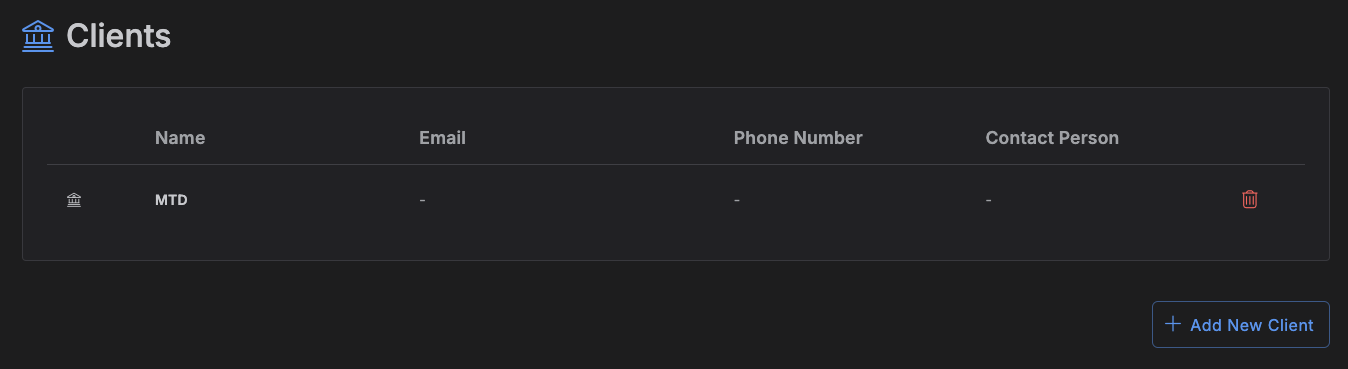
A client is a company or person you work for -- with contact info, an address, and notes -- that you can attach to your projects.
Accessing Clients
Click Clients in the left toolbar.
Managing clients
The page lists your clients -- logo, Name, Email, Phone Number, and Contact Person. Click a row to open and edit it, or click Add Client to create one.
The client form has four sections:
- Client Information -- logo, name (required), email, phone number, website.
- Contact Person -- a specific person's name, email, and phone number.
- Address -- address lines, city, state, postal code, country.
- Notes -- a rich-text field for anything else worth recording.
Deleting a client
Click the trash icon on a client's row and confirm.
Warning
Deleting a client deletes every project attached to it, and everything in those projects -- items, notes, milestones, all of it. If a client has projects attached, make sure that's really what you want before confirming the delete.
Attaching a client to a project
Pick the client from the Client field when creating or editing a project.